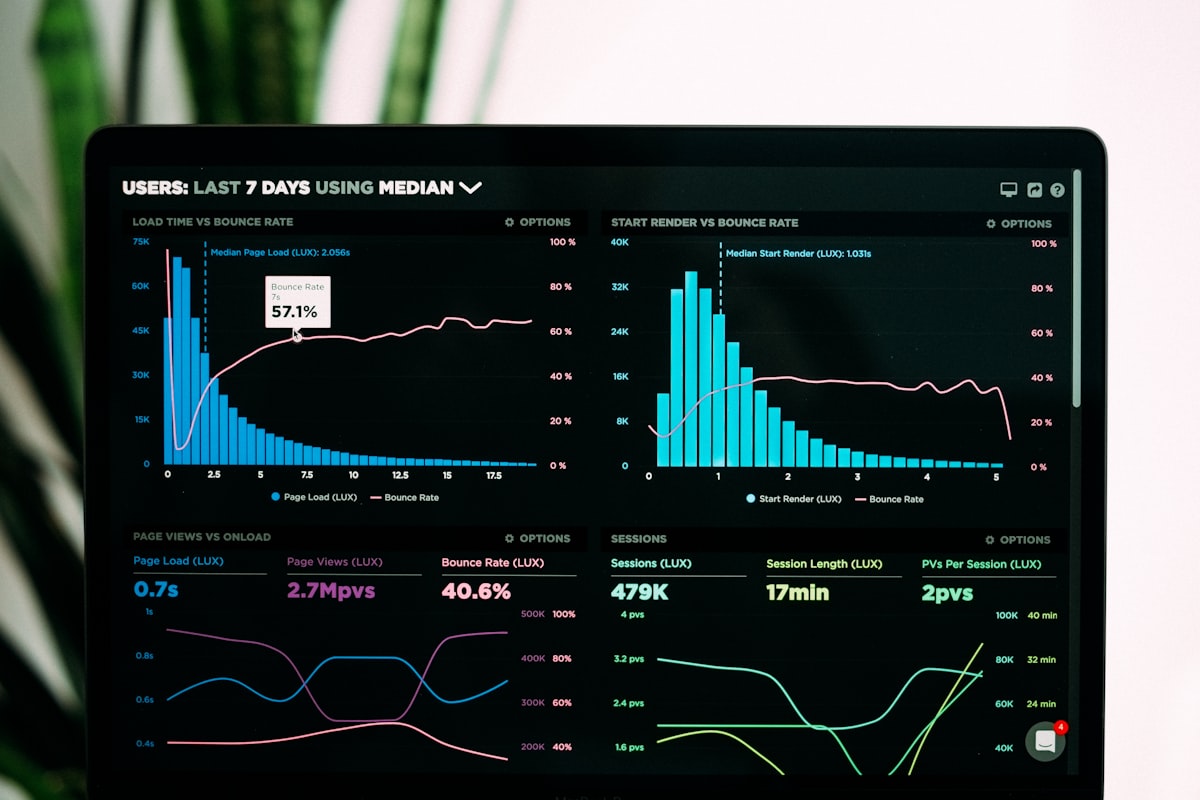
This post demonstrates various Mermaid diagram types supported in this blog.
Flowchart
graph TD
    A[Start] --> B{Is it working?}
    B -->|Yes| C[Great!]
    B -->|No| D[Debug]
    D --> B
    C --> E[End]
Sequence Diagram
sequenceDiagram
    participant User
    participant Browser
    participant Server
    participant Database

    User->>Browser: Request Page
    Browser->>Server: HTTP GET
    Server->>Database: Query Data
    Database-->>Server: Return Data
    Server-->>Browser: HTML Response
    Browser-->>User: Display Page
Class Diagram
classDiagram
    class Animal {
        +String name
        +int age
        +makeSound()
    }
    class Dog {
        +String breed
        +bark()
    }
    class Cat {
        +String color
        +meow()
    }

    Animal <|-- Dog
    Animal <|-- Cat
Gantt Chart
gantt
    title Project Timeline
    dateFormat  YYYY-MM-DD
    section Planning
    Requirements    :a1, 2025-10-01, 5d
    Design         :a2, after a1, 7d
    section Development
    Backend        :a3, 2025-10-10, 10d
    Frontend       :a4, after a3, 8d
    section Testing
    Testing        :a5, after a4, 5d
    Deployment     :a6, after a5, 2d
State Diagram
stateDiagram-v2
    [*] --> Idle
    Idle --> Processing: Start
    Processing --> Success: Complete
    Processing --> Failed: Error
    Failed --> Idle: Retry
    Success --> [*]
Pie Chart
pie title Programming Languages Used
    "Python" : 35
    "JavaScript" : 30
    "Go" : 20
    "Rust" : 10
    "Other" : 5
Git Graph
gitGraph
    commit
    commit
    branch develop
    checkout develop
    commit
    commit
    checkout main
    merge develop
    commit
    commit
Mermaid diagrams are great for visualizing complex concepts in blog posts!